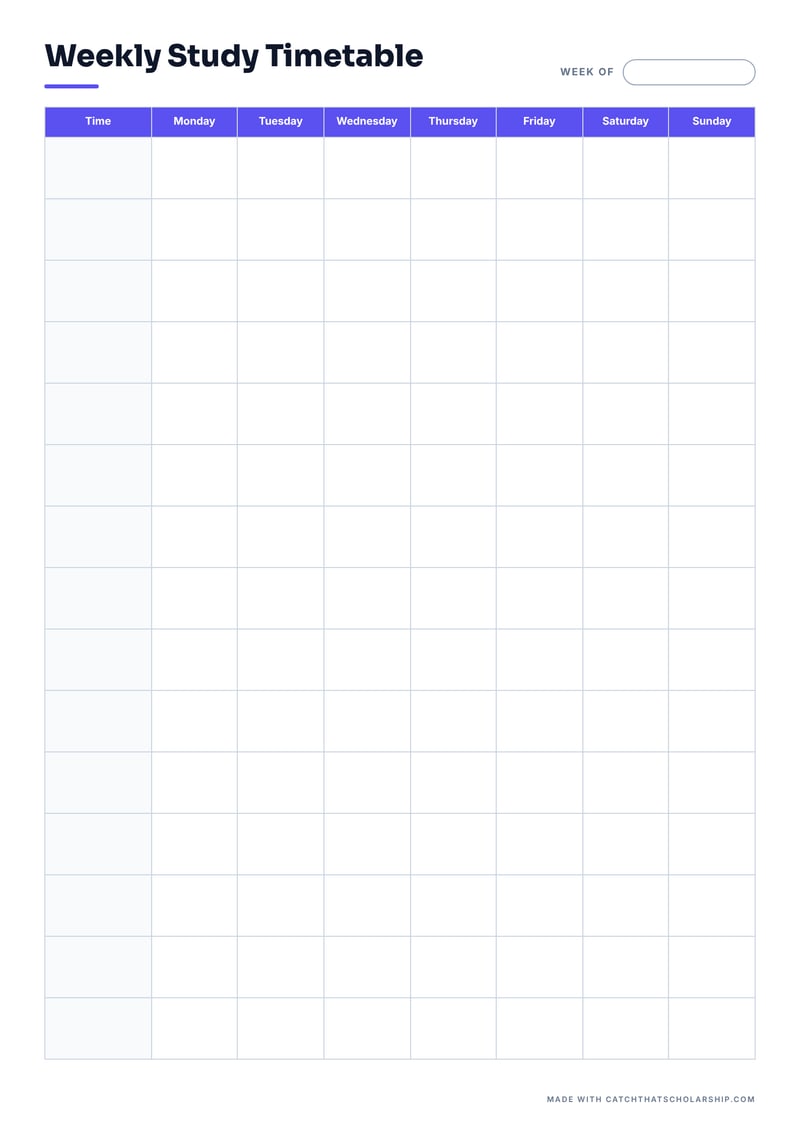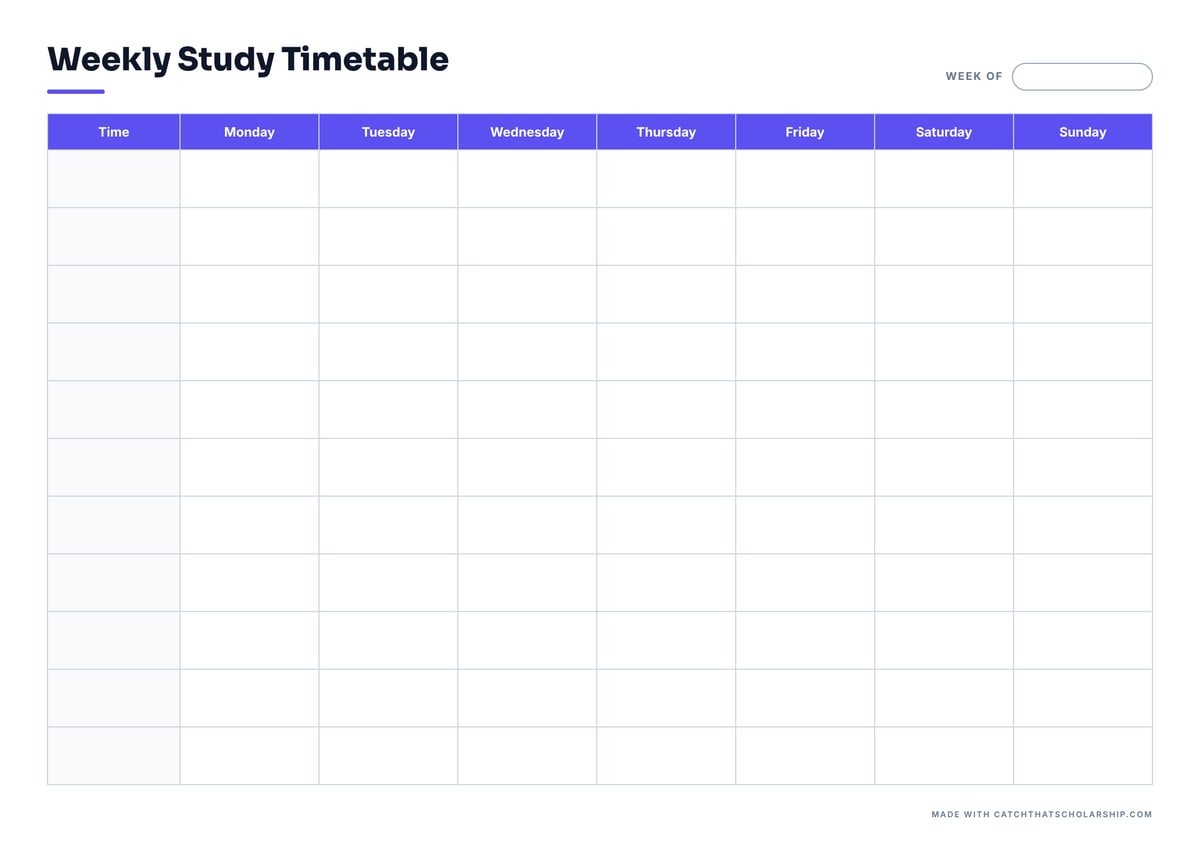
Classic
GridA bold purple header row and light grid. The time column is shaded so your eye finds the right slot fast.
Best for: University students with a full lecture week

Real materials that won a fully-funded scholarship in Europe — nothing held back.
No payment required · Instant PDF download
Ten blank weekly study timetables you can print today, in A4 and US Letter, portrait and landscape. Click a size and the PDF downloads straight away: no email, no account.
Every design comes in four PDFs. The preview shows A4 landscape; portrait versions have more rows, which suits long days.
A bold purple header row and light grid. The time column is shaded so your eye finds the right slot fast.
Best for: University students with a full lecture week
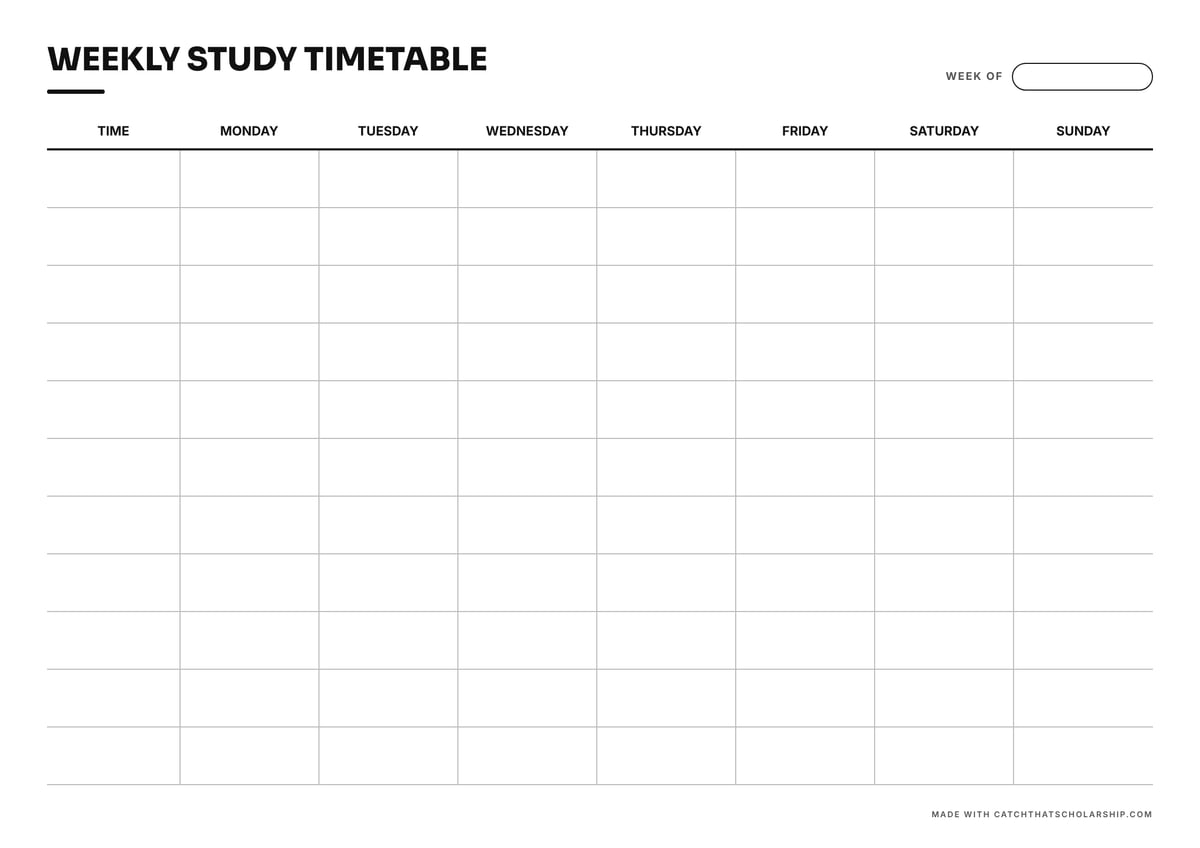
Thin black rules on white, nothing else. It prints crisply on any printer and uses almost no ink.
Best for: Printing in black and white, or a lot of copies
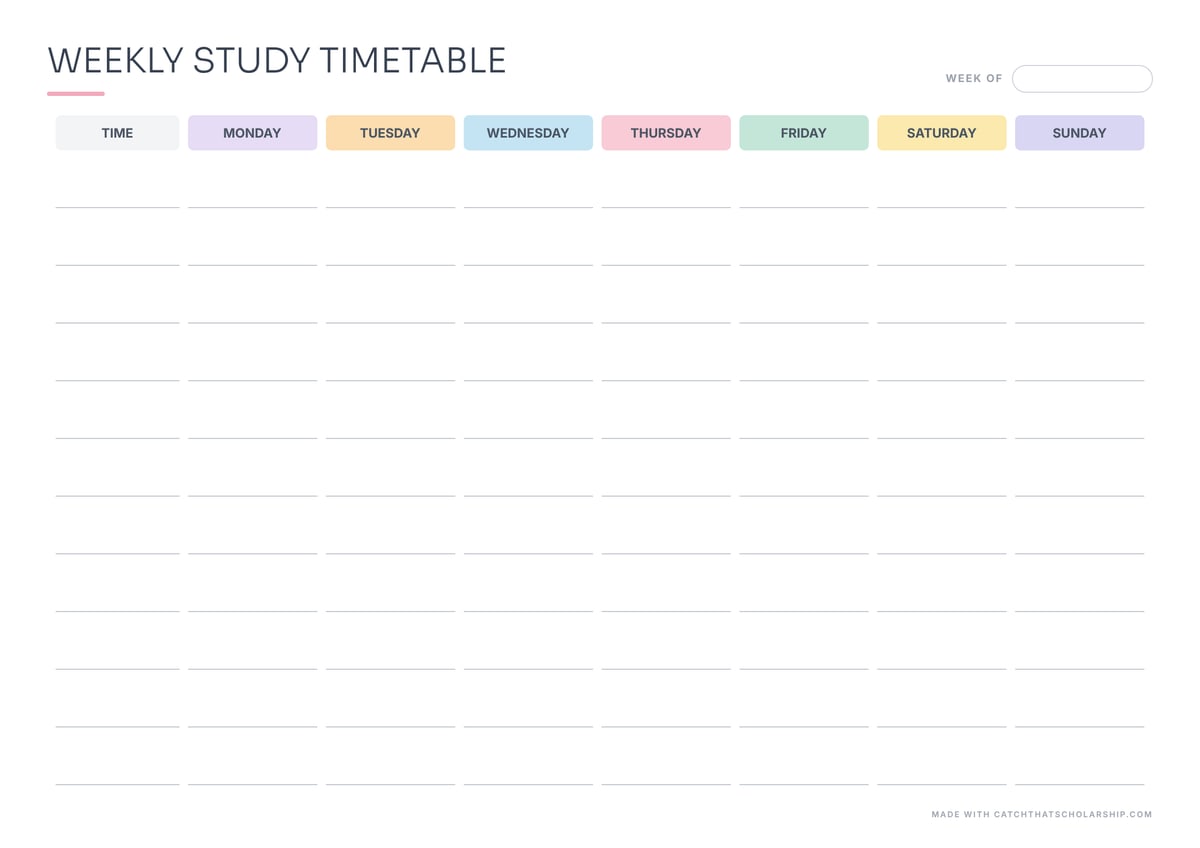
Every day gets its own soft pastel header, with airy writing lines underneath.
Best for: An aesthetic desk or wall timetable
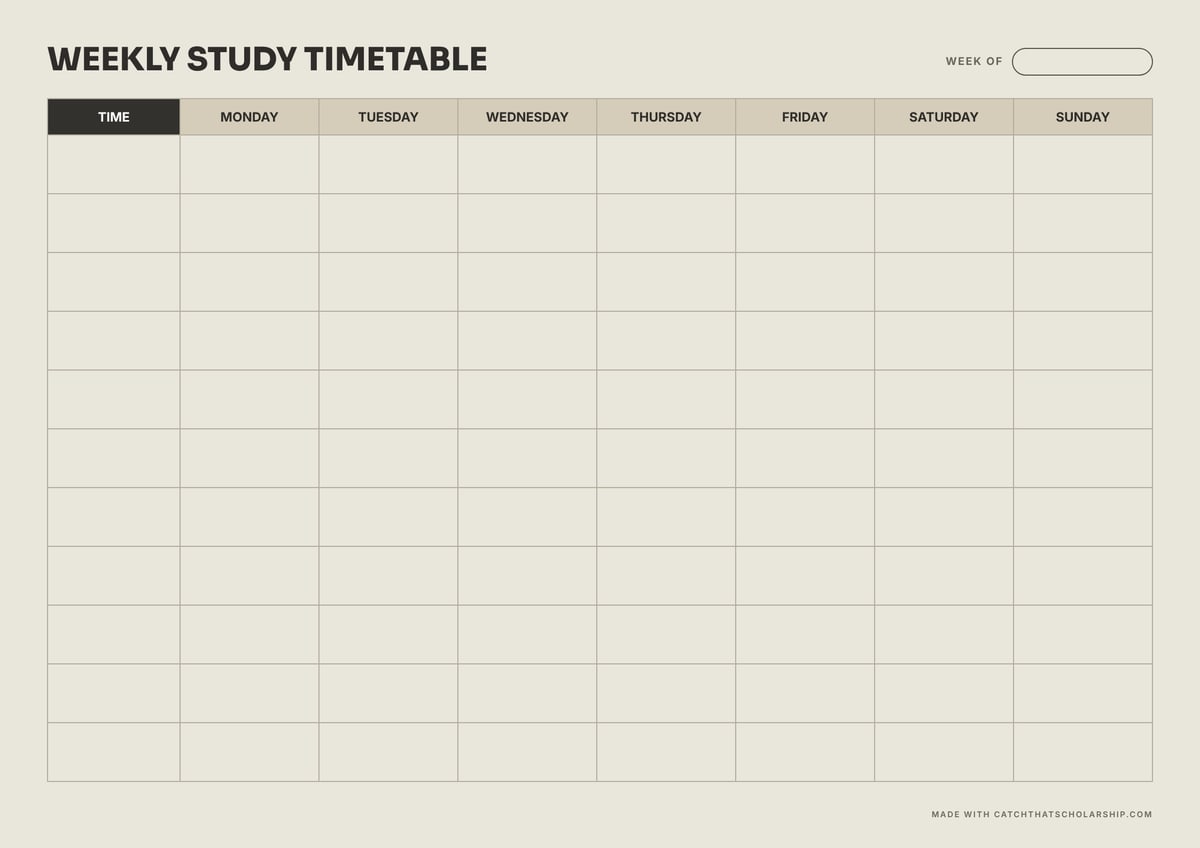
Warm beige page with a dark time-column header. Looks good framed or pinned to a cork board.
Best for: A calm, neutral weekly schedule
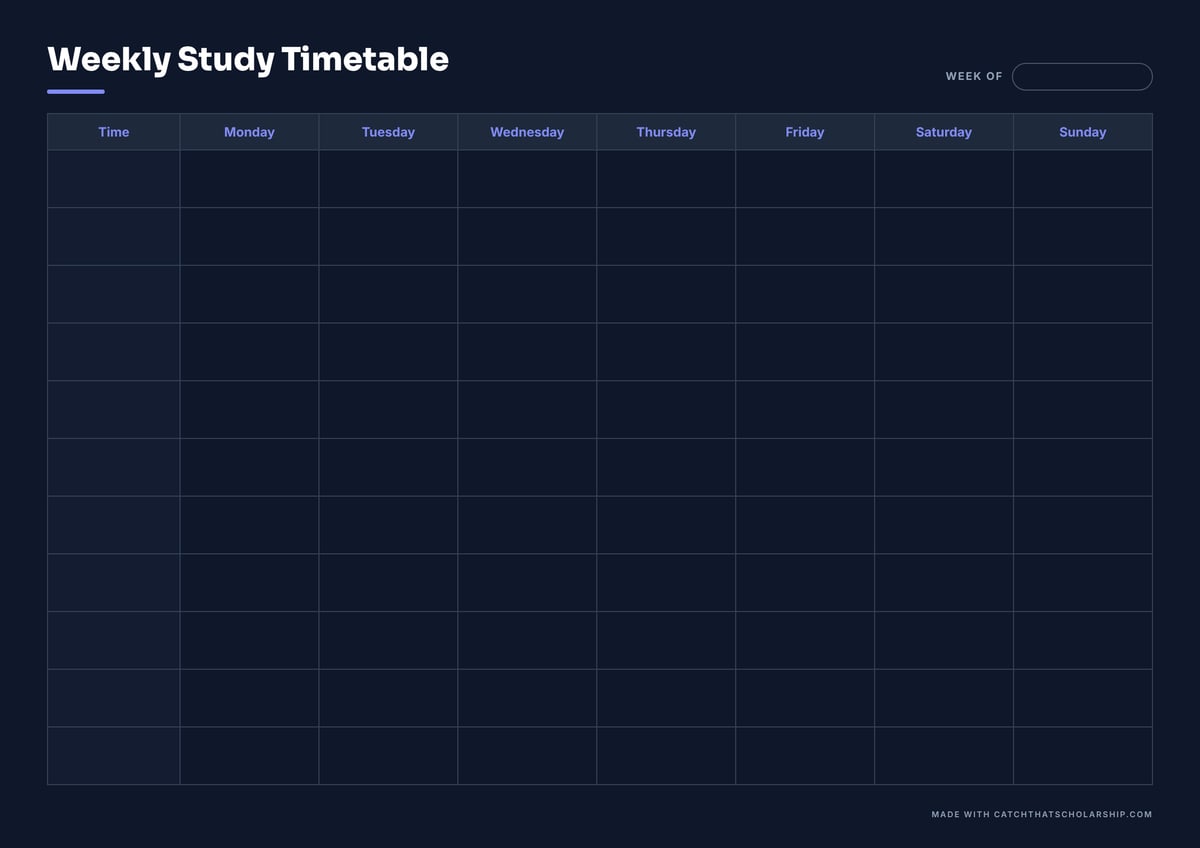
Dark navy page with violet day names. Best used on screen; it uses a lot of ink on paper.
Best for: Tablets, GoodNotes and phone wallpapers
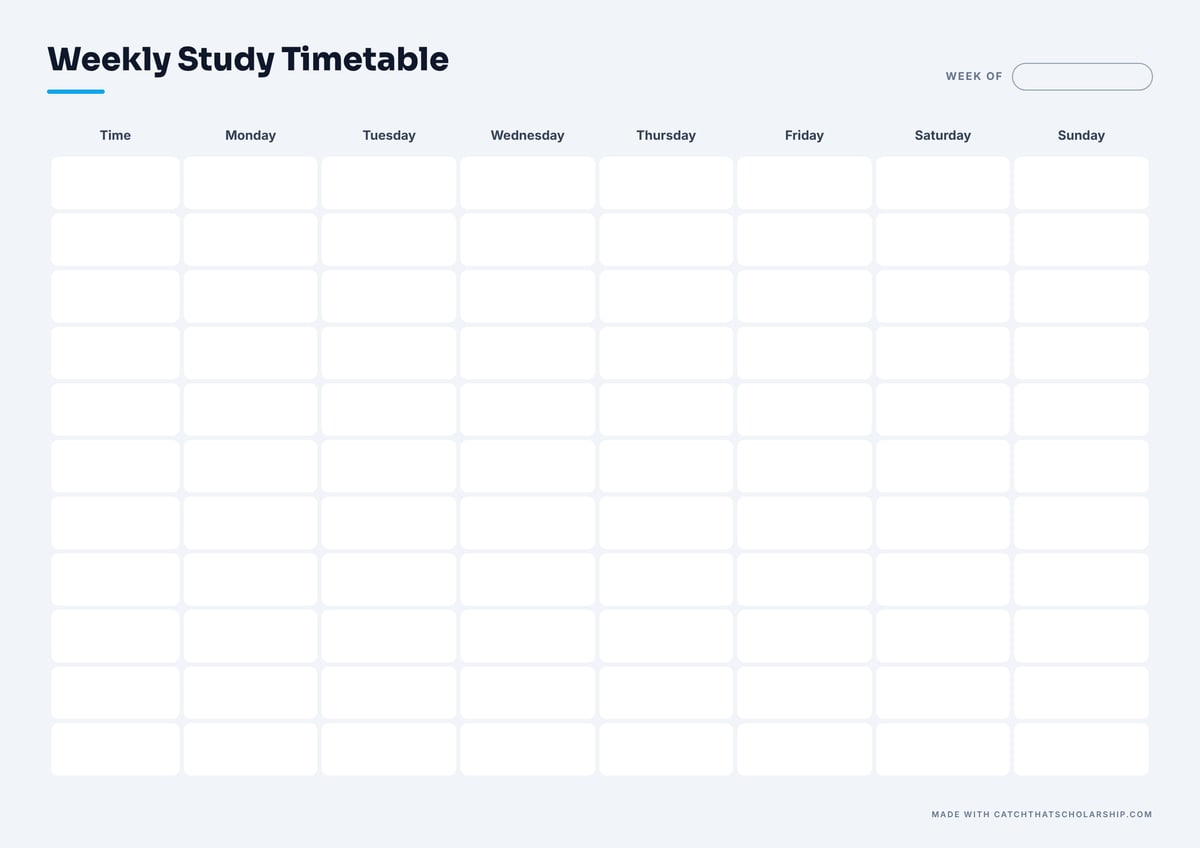
Rounded white blocks on a light grey page, so every slot looks like a sticky note waiting for a subject.
Best for: Colour-coding subjects with highlighters
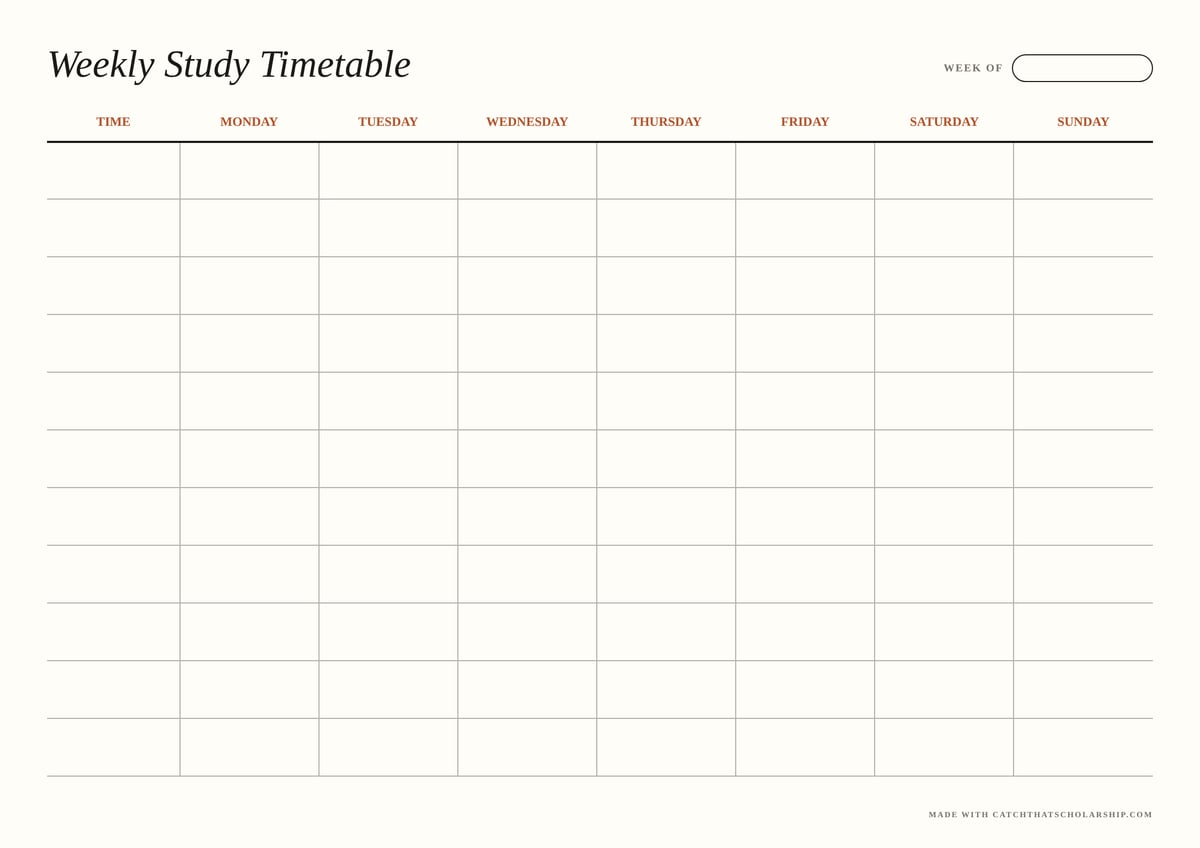
Serif headings in rust red on cream paper, with fine ruled lines. Feels like a printed diary.
Best for: A clean, grown-up look
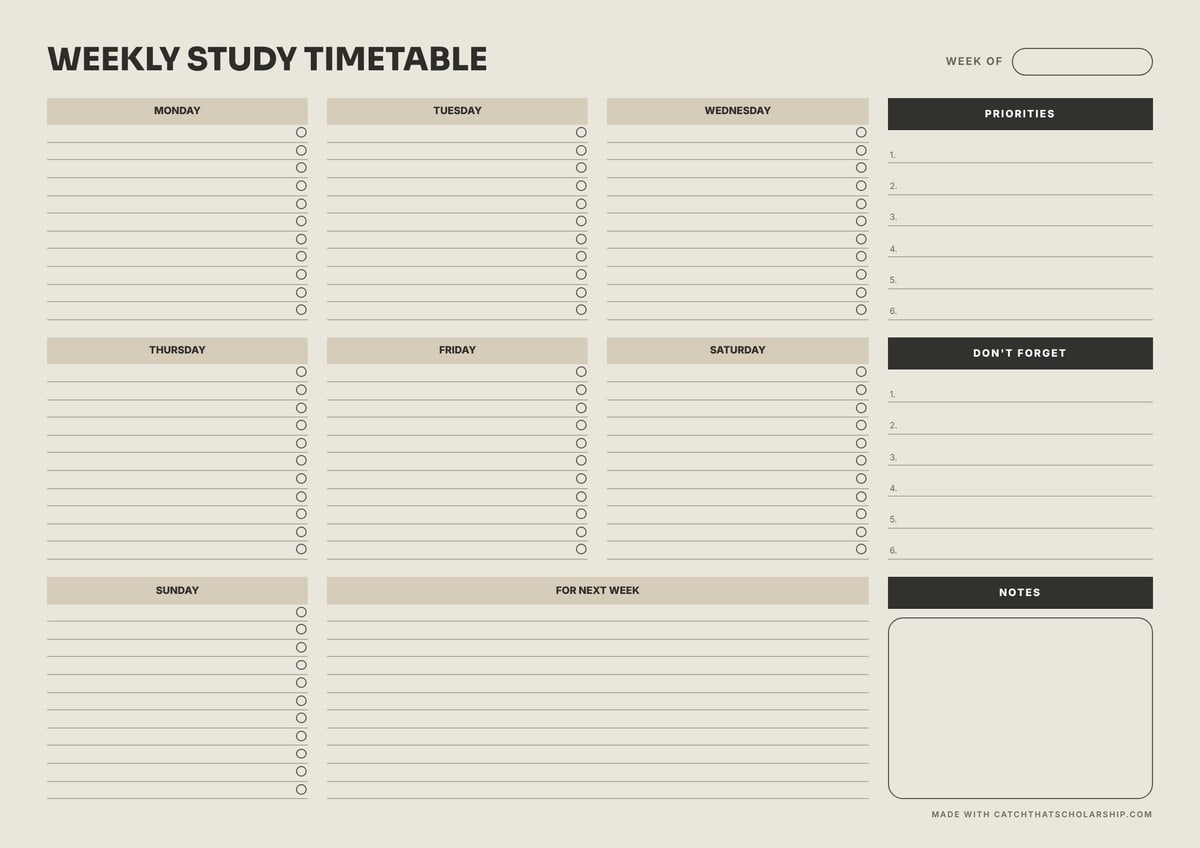
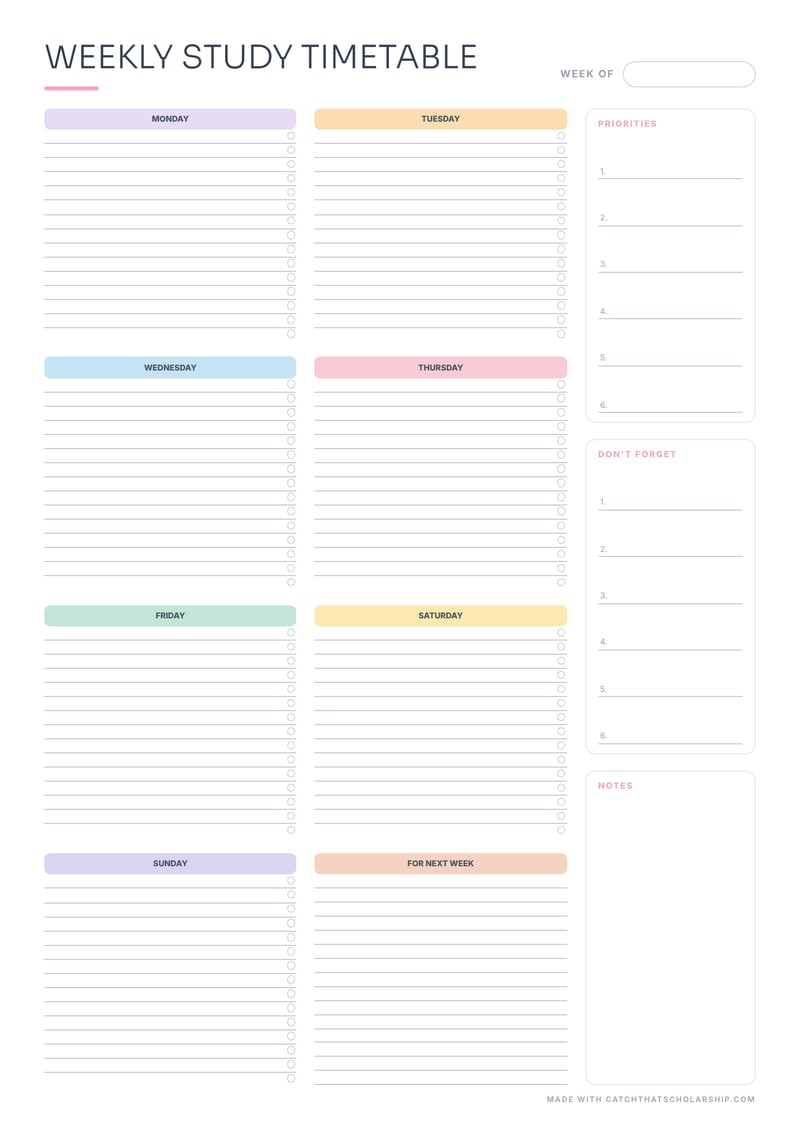
One list per day with tick boxes, plus Priorities, Don't forget and Notes panels down the side.
Best for: Students who think in to-do lists, not hours
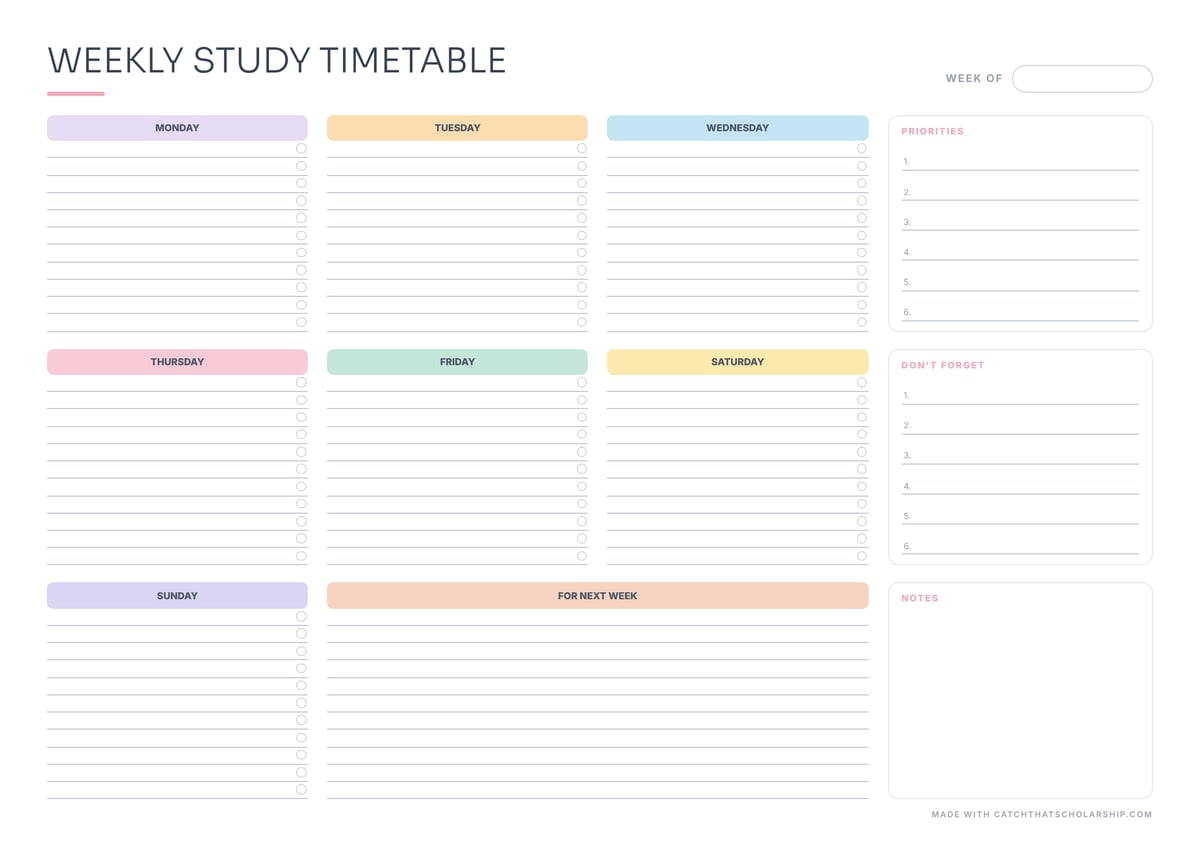
The same planner layout with a pastel header for each day and soft outlined side boxes.
Best for: High school students and cute planner fans
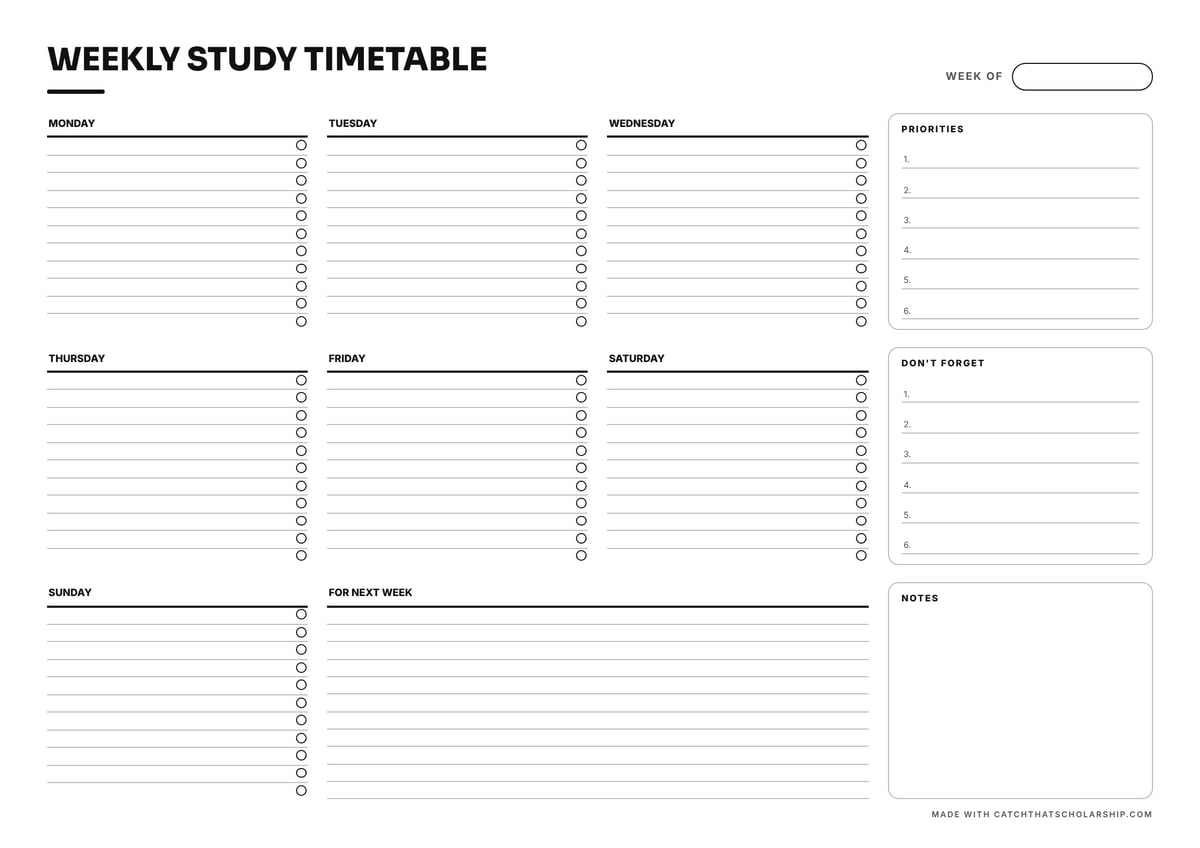
Black-and-white day lists with a circle to tick off every block, plus priorities and notes.
Best for: Exam revision and daily task lists
Open any of these designs in the study timetable maker. Type your classes and study blocks, colour each subject, change the colours and font, and download your finished timetable as a PDF. It can also send every block to Google Calendar.
Open the timetable makerPick the right paper size. A4 is standard everywhere except North America; choose US Letter in the United States, Canada and the Philippines. Using the wrong one shrinks or crops the page.
Print at 100% or “actual size”. Turn off “fit to page” in the print dialog. The PDFs are already the exact paper size, so scaling only adds white borders.
Choose landscape for a busy week, portrait for long days. Landscape gives seven wide columns; portrait gives you more rows, so it suits days that run from early morning to late evening.
Make it reusable. Slide the page into a clear sheet protector, or laminate it, and write with a dry-erase marker. You get a fresh timetable every week from a single print.
Grid templates give every hour its own cell, which works best when your week is shaped by fixed lectures. Planner templates give each day a list, which works best when you plan by tasks rather than times, for example during revision.
| Template | Layout | Best for | Ink use |
|---|---|---|---|
| Classic | Grid | University students with a full lecture week | Medium |
| Minimal Ink | Grid | Printing in black and white, or a lot of copies | Lowest |
| Pastel | Grid | An aesthetic desk or wall timetable | Low |
| Sand | Grid | A calm, neutral weekly schedule | High |
| Midnight | Grid | Tablets, GoodNotes and phone wallpapers | Very high |
| Colour Blocks | Grid | Colour-coding subjects with highlighters | Medium |
| Editorial | Grid | A clean, grown-up look | Low |
| Weekly Planner | Planner | Students who think in to-do lists, not hours | High |
| Pastel Planner | Planner | High school students and cute planner fans | Low |
| Checklist | Planner | Exam revision and daily task lists | Lowest |
A paper timetable works differently from an app: it is always in sight, but changing it means rubbing things out. These habits keep it useful all term.
Use pen for fixed classes and pencil for study blocks. Lectures rarely move, but your study sessions will, and pencil lets you shuffle them without starting a new sheet.
Give every subject one highlighter colour. Keep the same colour for that subject in your notes and folders, so the timetable, notebook and deadlines all match at a glance.
Write the time slots your school actually uses. The time column is blank on purpose. Copy your real lesson or lecture times down the first column before anything else.
Leave one block empty each week. Label it “catch-up”. When something overruns, it goes there instead of pushing everything else back.
Put it where you will see it every day. Above your desk, on the fridge or as the first page of your binder. A timetable that lives in a drawer gets forgotten by Wednesday.
Start a fresh sheet on Sunday. Ten minutes copying next week's plan is also ten minutes of reviewing what worked, which is how a timetable gets better over a term.
Not sure how many hours to schedule per subject? The study routine guide and credit-hours calculator on our timetable maker page works it out from your ECTS or US credits.
Many students use both: plan the week in the online maker, then print the result and pin it up.
These timetables were designed around the kind of week most students actually have: lectures, labs, self-study and often a part-time job, all fitted into seven days. They are free for every student, the same as everything else on CatchThatScholarship.
Free tools: All free tools · Scholarship finder · Free IELTS practice tests · Free SOP outliner · IELTS writing samples (Band 5-9) · All guides